Rickroll Roulette
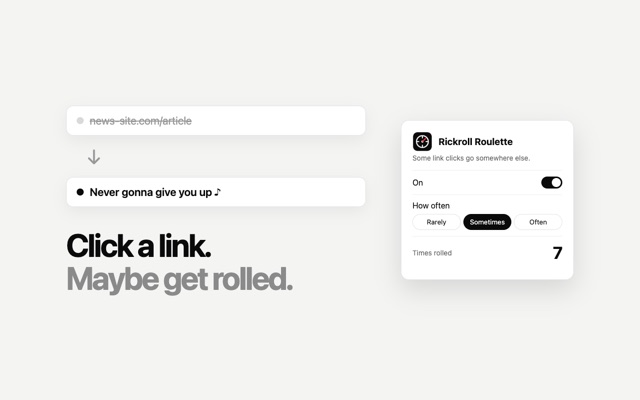
Every now and then, a link you click takes you somewhere you didn't expect. You pick how often. A button always takes you where you were going.
How it works
RarelyAbout 1 in 40 link clicks
SometimesAbout 1 in 15 link clicks
OftenAbout 1 in 5 link clicks
CooldownNever twice in one minute
Install in Chrome
- Click Download for Chrome above, then open the file to unzip it. You'll get a rickroll-roulette folder.
- Go to
chrome://extensionsand turn on Developer mode (top right). - Click Load unpacked and choose the rickroll-roulette folder.
- Pin it from the puzzle-piece menu. Click the icon to turn it on or off and pick how often. Then just browse.
Coming to the Chrome Web Store soon, for one-click installs. Works on most websites, but not on Chrome's own pages.