Page Wrecker
Smash any website with a hammer, laser, flamethrower or bomb. Press Esc and everything is back like nothing happened.
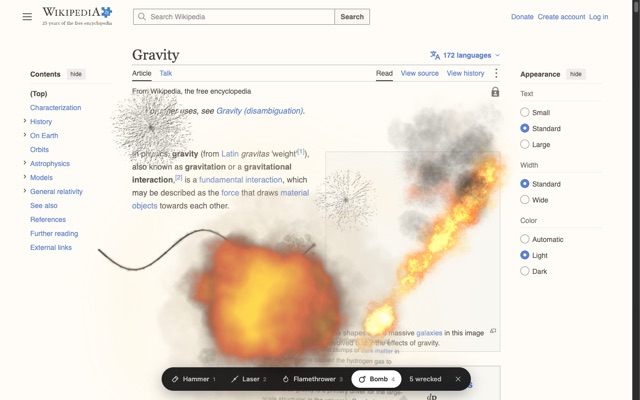
Tools
1 · HammerClick to crack the screen
2 · LaserHold and drag to burn a line
3 · FlamethrowerHold to set things on fire
4 · BombClick to blow up a whole area
EscPut the page back
Alt + WTurn it on without clicking
Install in Chrome
- Click Download for Chrome above, then open the file to unzip it. You'll get a page-wrecker folder.
- Go to
chrome://extensionsand turn on Developer mode (top right). - Click Load unpacked and choose the page-wrecker folder.
- Pin it from the puzzle-piece menu. Open any website and click the icon.
Coming to the Chrome Web Store soon, for one-click installs. Works on most websites, but not on Chrome's own pages.